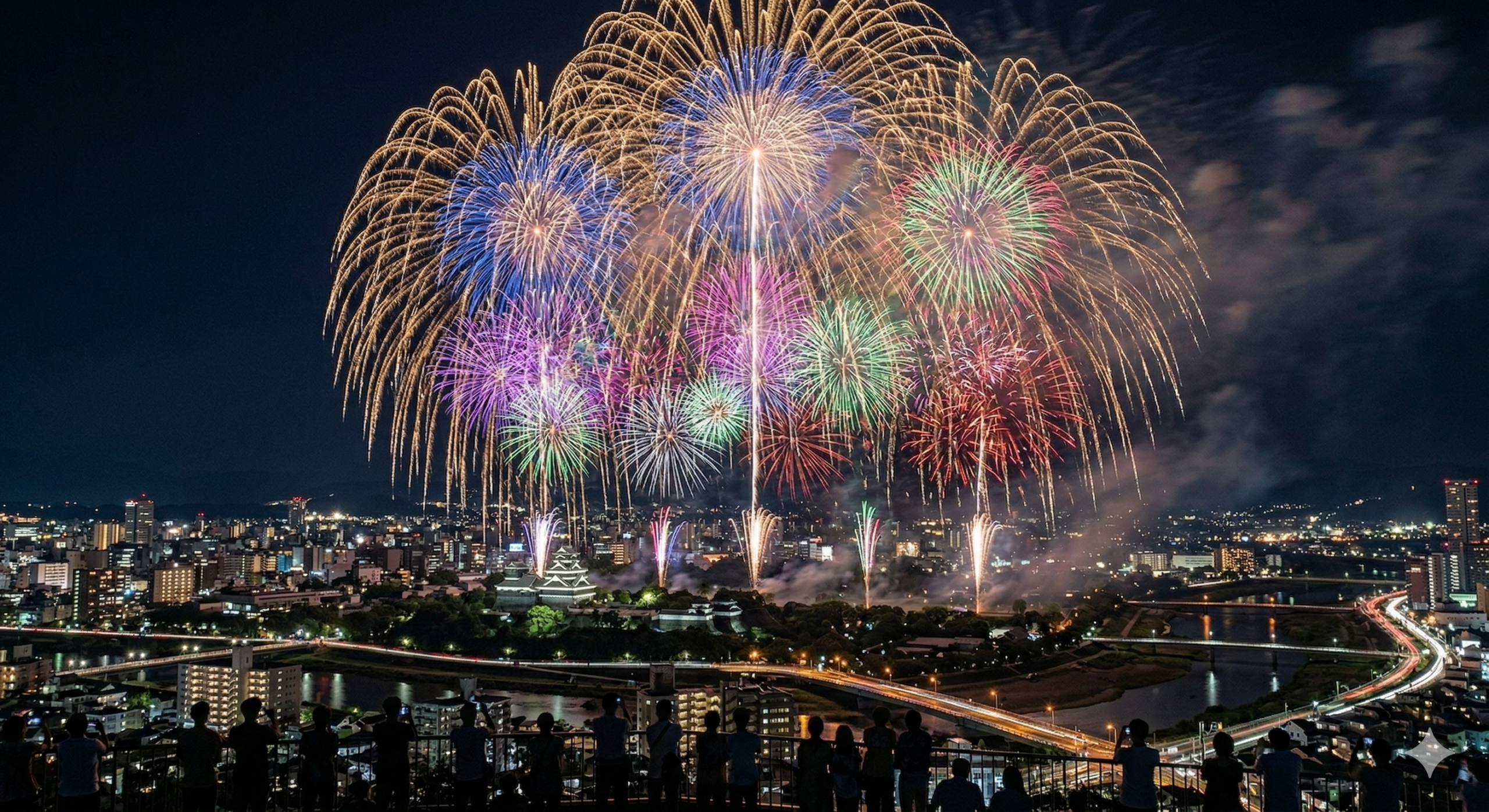
Fireworks are one of the hardest subjects to photograph well on a smartphone. The automatic settings that work for most situations actively work against you here. Here is how to override them and get shots worth keeping.
The core problem with auto mode
When your iPhone sees a dark night sky with a bright burst of light, it does several things wrong by default: it cranks up the ISO (creating noise), uses a very short shutter speed (cutting off the shell trails before they open fully), and focuses on the wrong thing. The result is a blurry, washed-out firework.
Lock exposure and focus (all iPhones)
- Point your camera at the sky where the shells are bursting
- Tap and hold until you see AE/AF LOCK appear at the top
- Slide the sun/exposure wheel down to slightly underexpose — this stops the bright shells from blowing out
Now your phone will not refocus or re-expose when each shell fires.
On iPhone 15 Pro and later
Tap the arrow at the top, go to the exposure slider, and set it to -0.7 to -1.3 EV. The main 24mm camera is usually the best choice — the ultrawide introduces too much distortion.
Use a third-party camera app
Apps like Halide or ProCamera give you manual shutter speed and ISO:
- ISO: 50 to 100 (as low as possible)
- Shutter speed: 1 to 4 seconds
- Focus: manual, set to infinity
A 2-second exposure catches the full bloom of a standard shell.
You need a tripod
At any shutter speed over 1/60s, hand-holding will blur the shot. A small mini tripod or gorillapod is worth bringing. Use the volume button as a remote shutter to avoid camera shake when you tap the screen.
Other tips
- Turn Night mode off — it blends multiple exposures, which creates ghosted, smeared shells
- Include some foreground (a crowd silhouette, a bridge) to give the image scale
- Do not try to follow individual shells — frame the area of sky where they have been bursting and wait
- Portrait mode and Live Photos do not help here — turn them off
Enjoy the show
Set your tripod, take a few test shots as the show starts, adjust, then take your series and put the phone down for most of the show. The sound, the crowd, the feeling of a large shell going off — none of that comes through a screen.
Read next
- Fireworks festivals in Fukuoka & Kyushu: a traveler’s guide
- What to bring to a Japanese fireworks festival
- How early to arrive at a Japanese fireworks festival
※本記事はアフィリエイト広告(楽天・Amazon)を含みます。
あわせて読みたい
花火カレンダー(全国の花火大会日程まとめ) と 花火マップ(開催地マップ一覧) で、気になる花火大会をまとめてチェックできます。